
On Friday, Every Departing Flight in America Stopped
On Friday afternoon, November 13, the Federal Aviation Administration (FAA) stopped every departing flight in the United States. The ground stop lasted more than four hours. By Saturday morning, more than 4,700 flights had been canceled and more than 13,500 delayed.
That has happened only twice since 9/11.
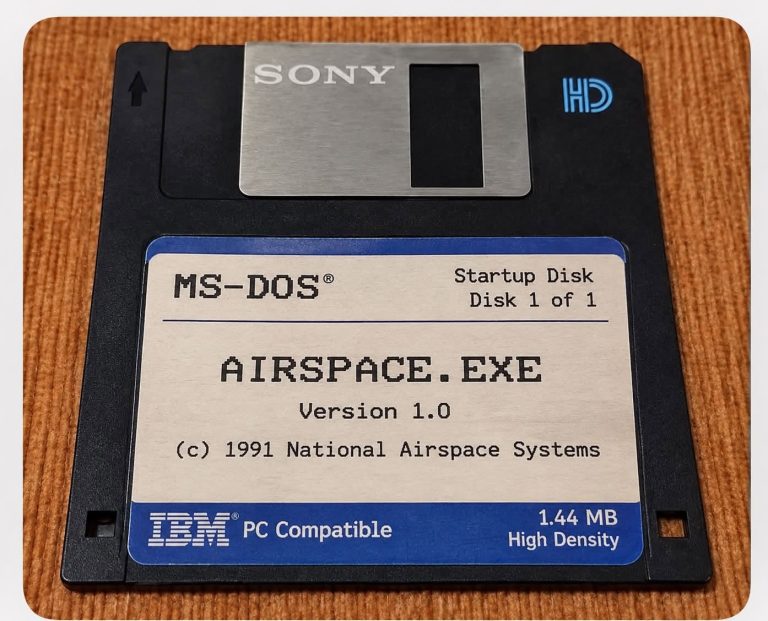
The cause wasn’t a storm. Officials said there was no sign of a cyberattack. They blamed old equipment. This is the same system that still runs on floppy disks in some places.
It’s easy to shake your head at that. But here’s a harder question: is your business running on its own version of floppy disks?
What Went Wrong
Transportation Secretary Sean Duffy said the FAA was in the middle of an upgrade. Crews were switching old copper phone lines over to modern fiber. During that switch, one router started flooding the rest of the network with requests. The other routers were overloaded with data and went down.
Duffy called it an “incredibly old” system. Then he told reporters, “I want $50 billion.”
That number keeps going up. Congress approved $12.5 billion in 2025. The day before the ground stop, the administration asked Congress for $30.1 billion more. After Friday, the ask rose to $50 billion.
And Friday wasn’t the first warning. In September, one cut cable grounded thousands of flights in the Northeast. In August, an outage at the Minneapolis air traffic center stopped flights across the Midwest.
That is the real lesson. Old technology doesn’t just break. The longer you wait, the more it costs to fix, and it still breaks at the worst time.
Is Your Business Flying the Same Way?
You probably don’t have floppy disks in the back office. But plenty of small businesses have the same habits that got the FAA in trouble. Ask yourself:
- Is anyone still using a computer that runs software no longer updated? When updates stop, security fixes stop too.
- Is there “that one machine” nobody wants to touch? If it runs your billing, scheduling, or production, it is a single point of failure.
- When did you last test your backup? Having a backup is not the same as knowing it works. Just ask the FAA.
- Do you have only one internet connection? If a construction crew cuts it, can your team keep working?
- Are you spending more each year just to keep old equipment running? Repairs, slowdowns, and lost time add up quietly.
- Does one person hold all the passwords and know-how? That person is your backup line. What happens when they’re out?
If you nodded at even one of these, you’re not alone. The good news is that you don’t need $50 billion to fix it.
How to Upgrade Before Something Breaks
The FAA is now racing to replace its systems after years of patching. You can get ahead of that. Here’s where to start:
- Take inventory. List your computers, servers, network gear, and key software. Note how old each one is and whether it still gets updates.
- Find your single points of failure. Look for the one machine, one connection, or one person your business can’t run without.
- Test your backups for real. Restore a file. Restore a whole system. Do it on a schedule, not just once.
- Add a second path. A backup internet connection can keep your phones and systems running when the main one goes down.
- Plan replacements on purpose. Spread upgrades over time so you aren’t hit with one big bill after a breakdown.
- Write it down. Keep passwords, vendor contacts, and recovery steps somewhere safe that more than one person can reach.
One more lesson from Friday: the FAA’s trouble started during an upgrade. Upgrading is the right move, but it needs a plan. Test changes first. Make them in stages, after hours when you can. And know exactly how to undo a change if something goes wrong.
None of this is flashy. It just keeps your doors open when something goes wrong. And something always goes wrong eventually.
Don’t Wait for Your Own Ground Stop
The FAA found out how fragile its system was on a busy Friday afternoon, with thousands of planes in the air. You don’t have to.
Dragonfly MSP offers a free assessment for small and midsize businesses. We’ll look at your technology with you, point out the weak spots, and help you plan what to fix first. Clear answers, no tech talk.